agent6
A coding agent that jails model commands and uses editable state machines for long-running tasks.
The model can write code and ask to run commands, but those commands go through a jail with restricted filesystem and network access. Long-running workflows can be written, reviewed, edited, resumed, and replayed as declarative state machines.
Command sandbox
Commands the model runs go through a jail to give you control over what the model can read and write, and to restrict network access.
Verify gate
A run is measured against a verify command, inferred from the repo when unset and pinned for the run. Every editing step commits; the gate certifies the tree the run ends on.
Detached commit chain
Per-step commits land on a detached ref, leaving the branch, HEAD, and index untouched.
agent6 sessions merge lands the work.
Resume and fork
State is snapshotted before every model call and checkpointed each turn. A run resumes from its snapshot, or forks into a new run at any past turn.
Agent state machines
Longer tasks run as declarative machines: model-drafted, operator-reviewed, journaled, replayable.
Parallel fan-out
A task can run in isolated lanes on different models, ranked by a reviewer model, or by verify and cost. Merging stays manual.
The terminal UI
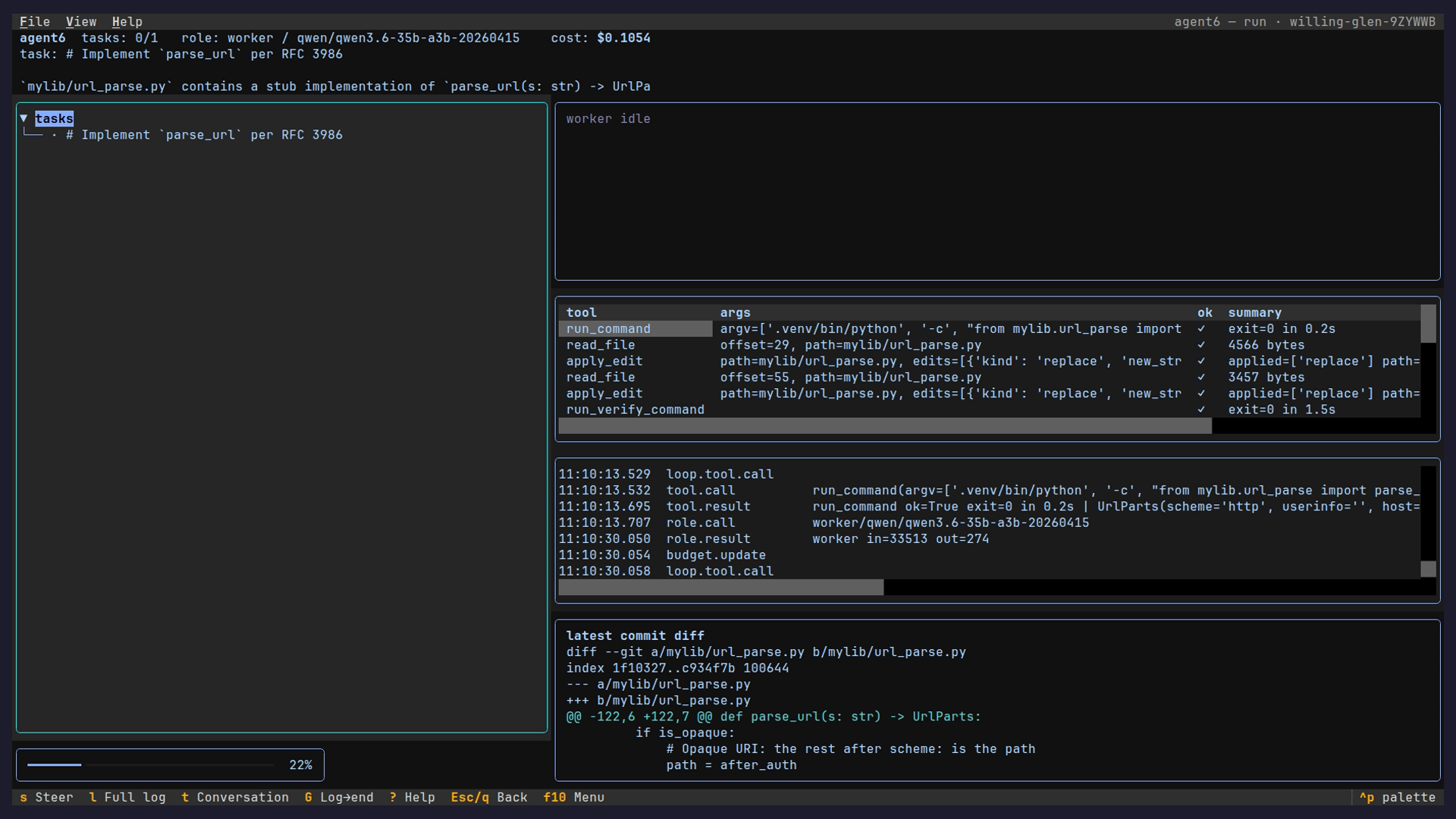
agent6 run streams the run's conversation in your terminal, with no full-screen UI.
agent6 tui opens the hub instead: every run for the repository with its mode, status, and cost.
From there you open a session to read its live conversation, toggle the dashboard (Ctrl+D), or scroll the event log.
agent6 run --tui starts on that conversation view, and -i drives the run from a stdin REPL.
The terminal UI page has a still of each screen.
The web UI
agent6 web serves the same views in a browser, from a desktop or a phone.
There you start a run and watch it stream, steer it, approve prompts, answer questions, read the transcript, and browse and run state machines.
It binds 127.0.0.1; put tailscale serve in front for encrypted remote access.
See the web UI.
Usage
uv tool install agent6                 # or: pipx install agent6
agent6 connect                         # pick a provider, paste an API key (once)
agent6 model worker anthropic/claude-sonnet-5

cd your-repo
agent6 run "add a --json output mode to the CLI"
Installation covers requirements, shell completion, and building from source. Usage covers the first run, inspecting it, and recovering one that went wrong.