Tour
A walk through the terminal UI. Every image is from a recorded run; click to enlarge.
Hub
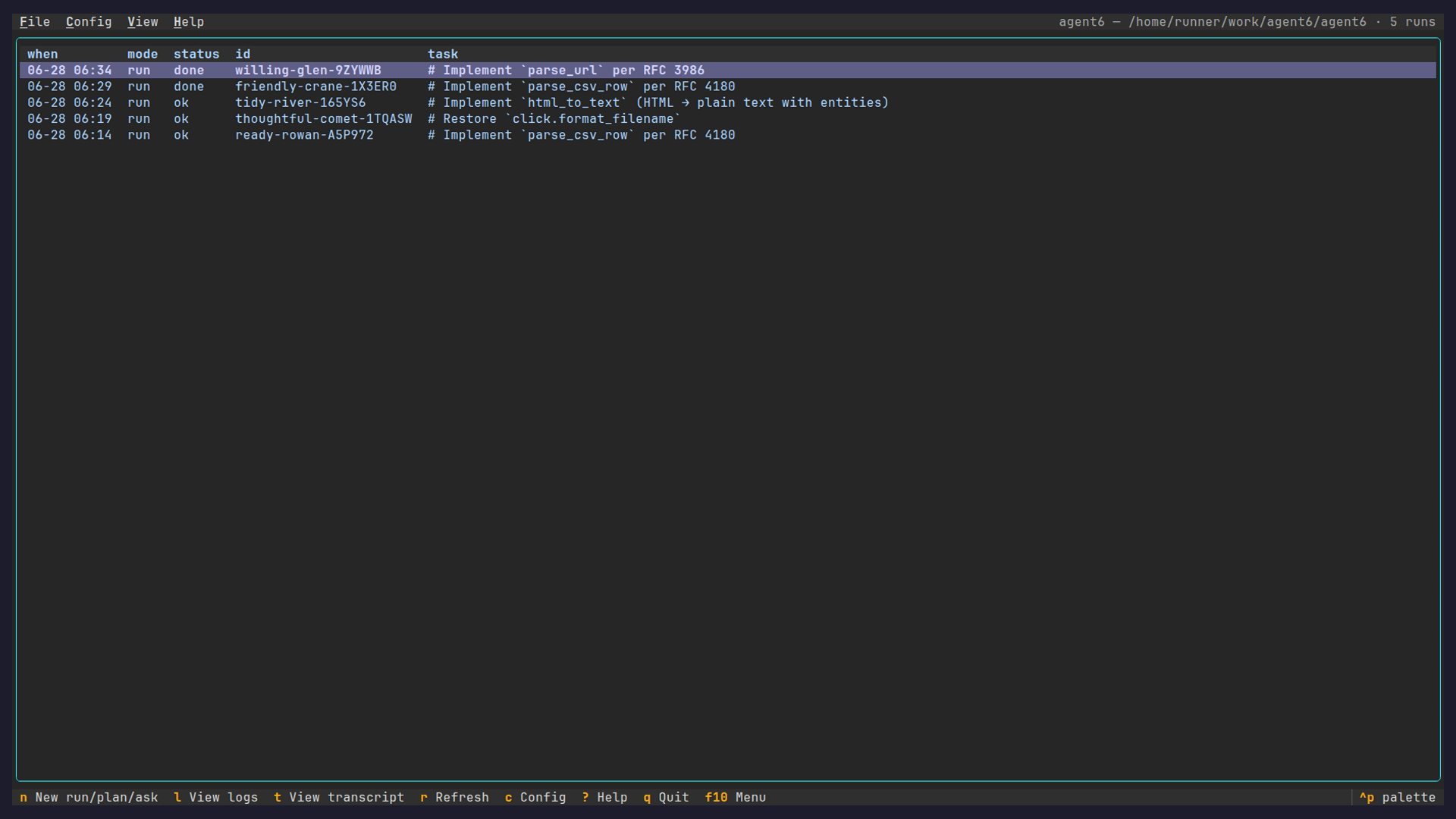
agent6 tui lists every run for the repository with its mode, status, last activity, and
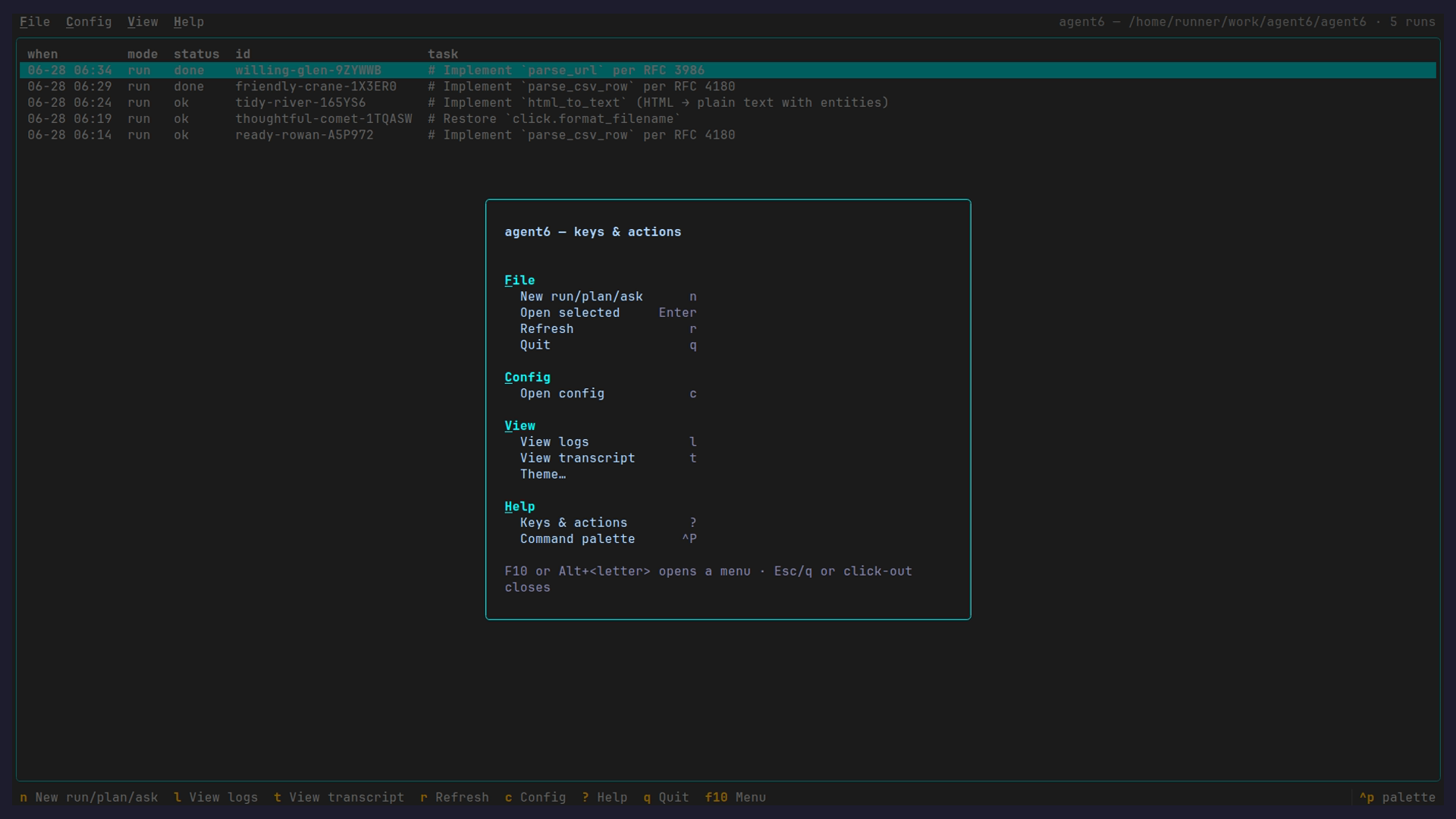
cost. Enter opens a run; c opens the config page; ? lists the keys.
Conversation
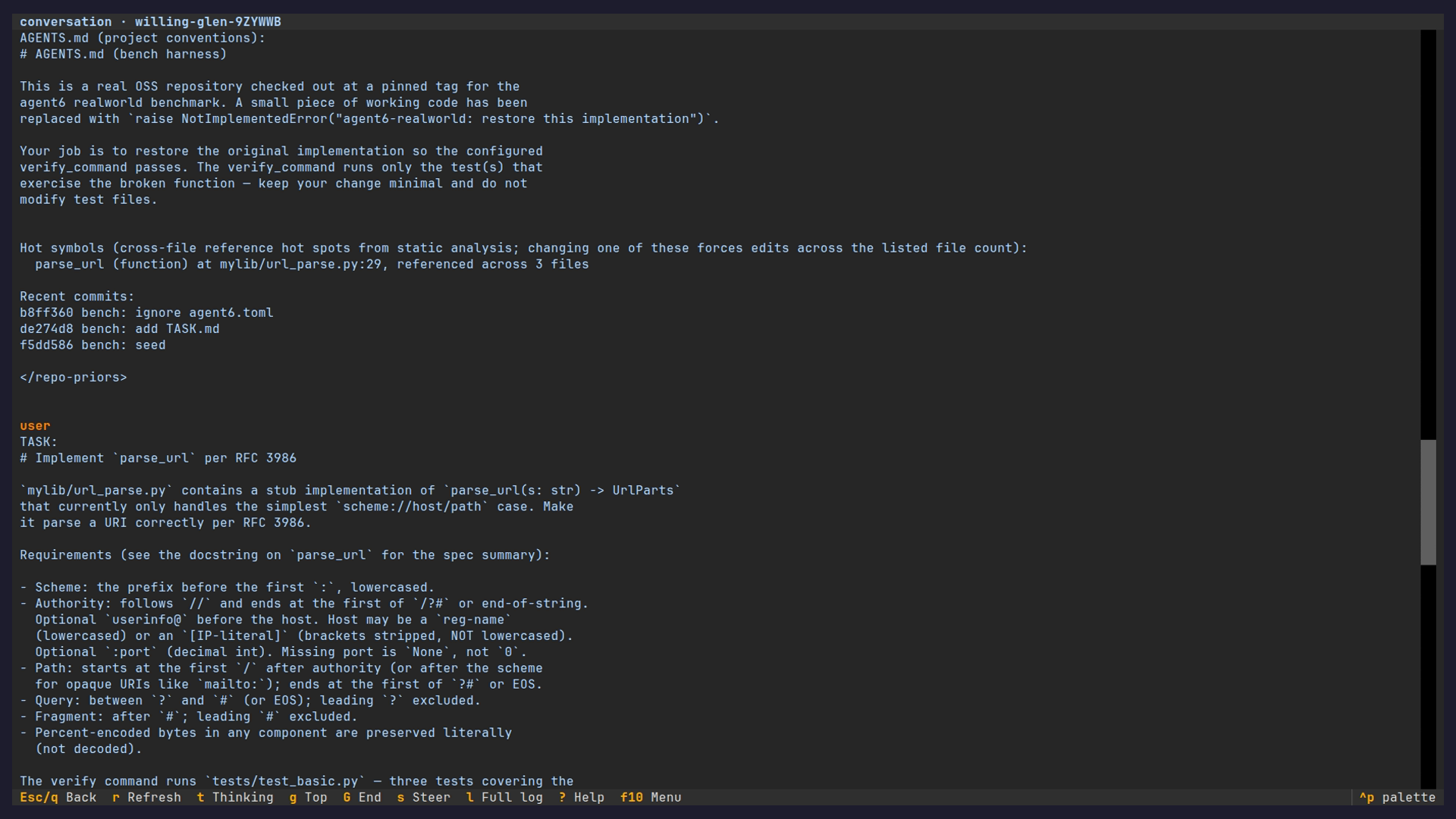
Opening a run lands on its conversation (also agent6 sessions transcript): the task, the
model's reasoning, and every tool call with its complete input and output, following
live. A live run keeps a steer bar at the bottom.
Run dashboard
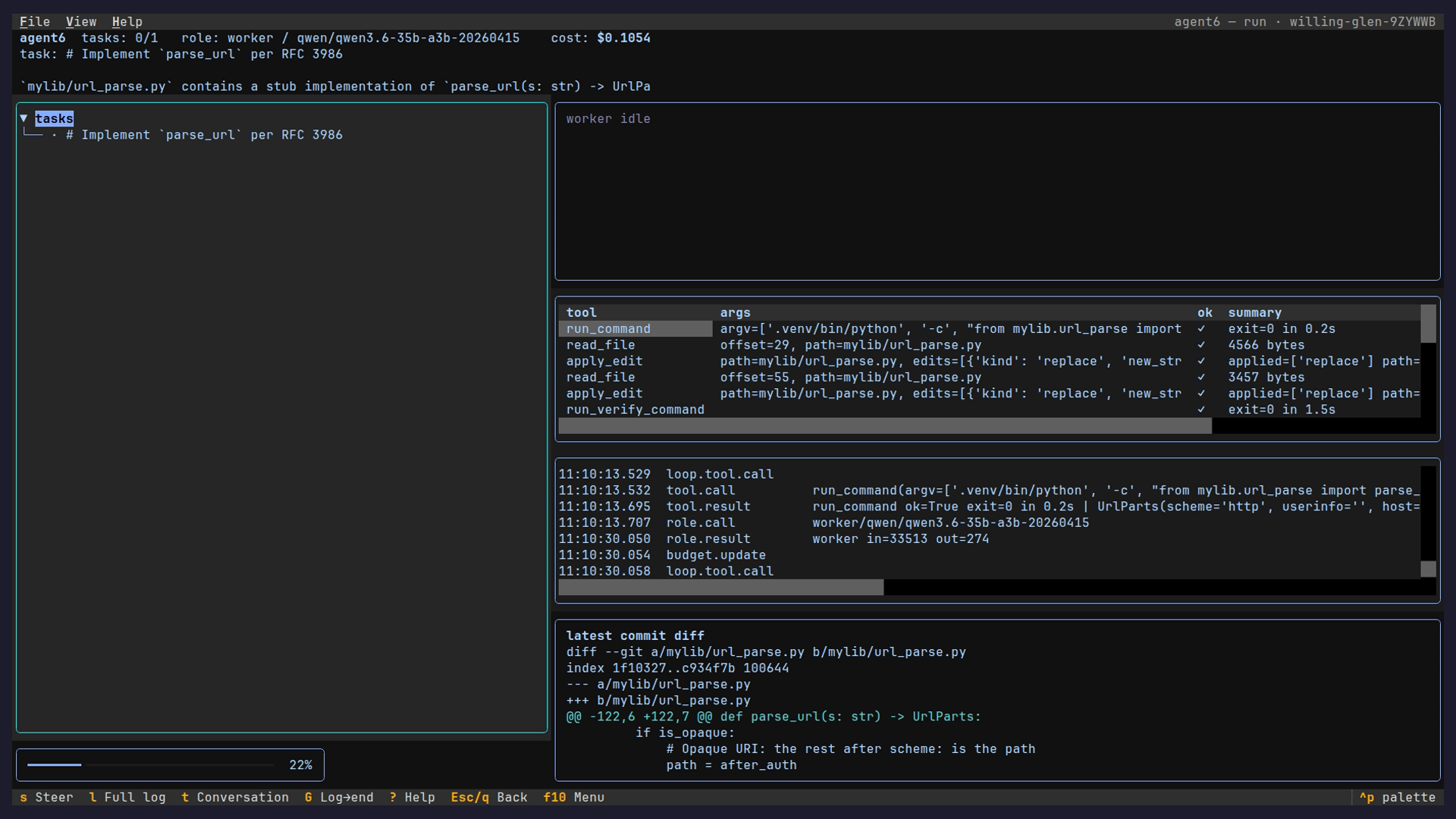
Ctrl+D toggles the dashboard: the task graph beside the model's live reasoning, then
the tool calls with their results, and the event log and latest commit diff side by
side. The composer bar runs along the foot (type to steer, or to resume a finished
run with a follow-up; / completes the steer directives, Ctrl-R searches the
session's past messages), and the View menu maximizes the focused pane to full screen.
Event log
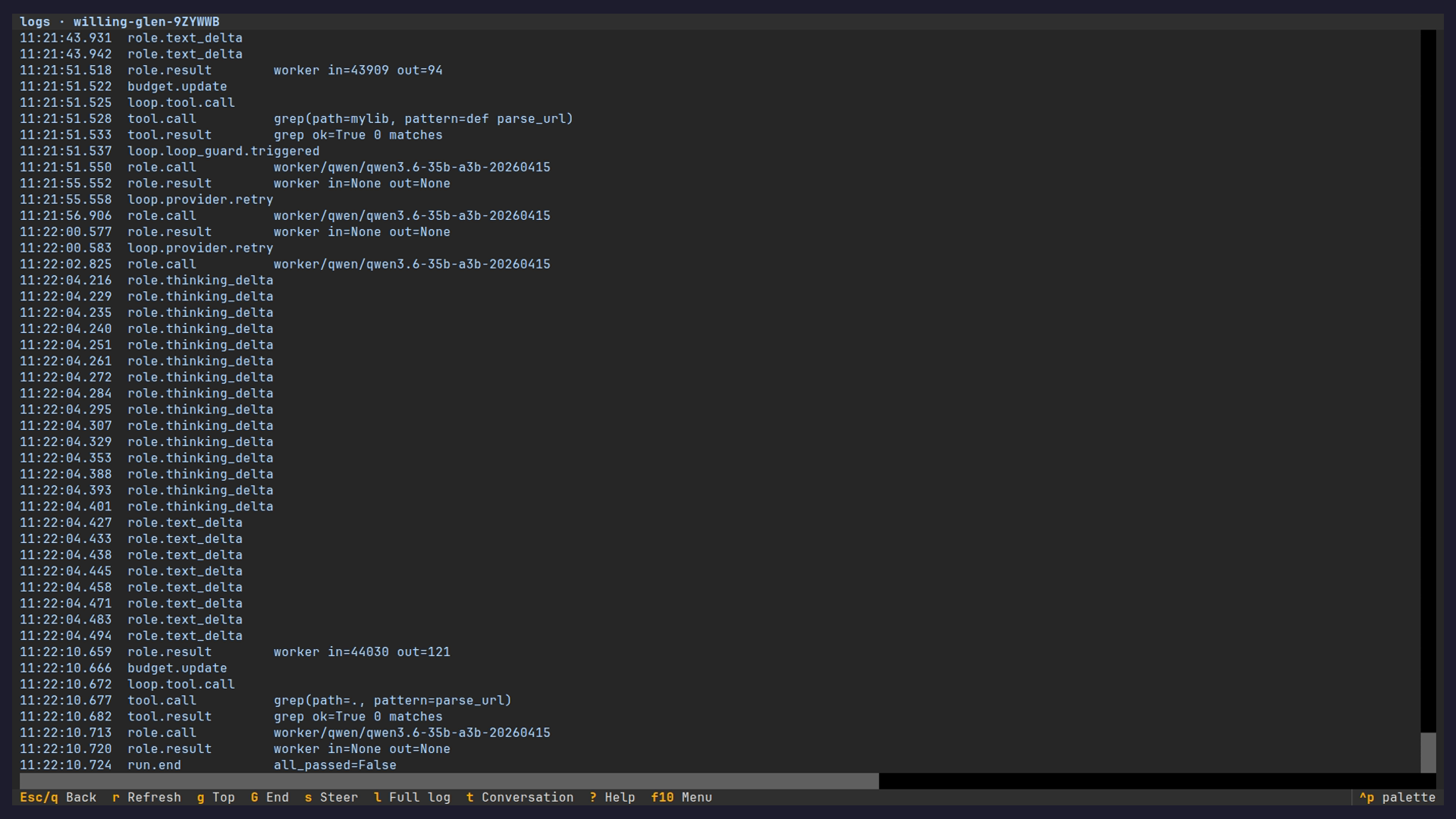
The View menu's Full log opens the JSONL event stream the dashboard is built from, scrollable over the whole run.
Configuration
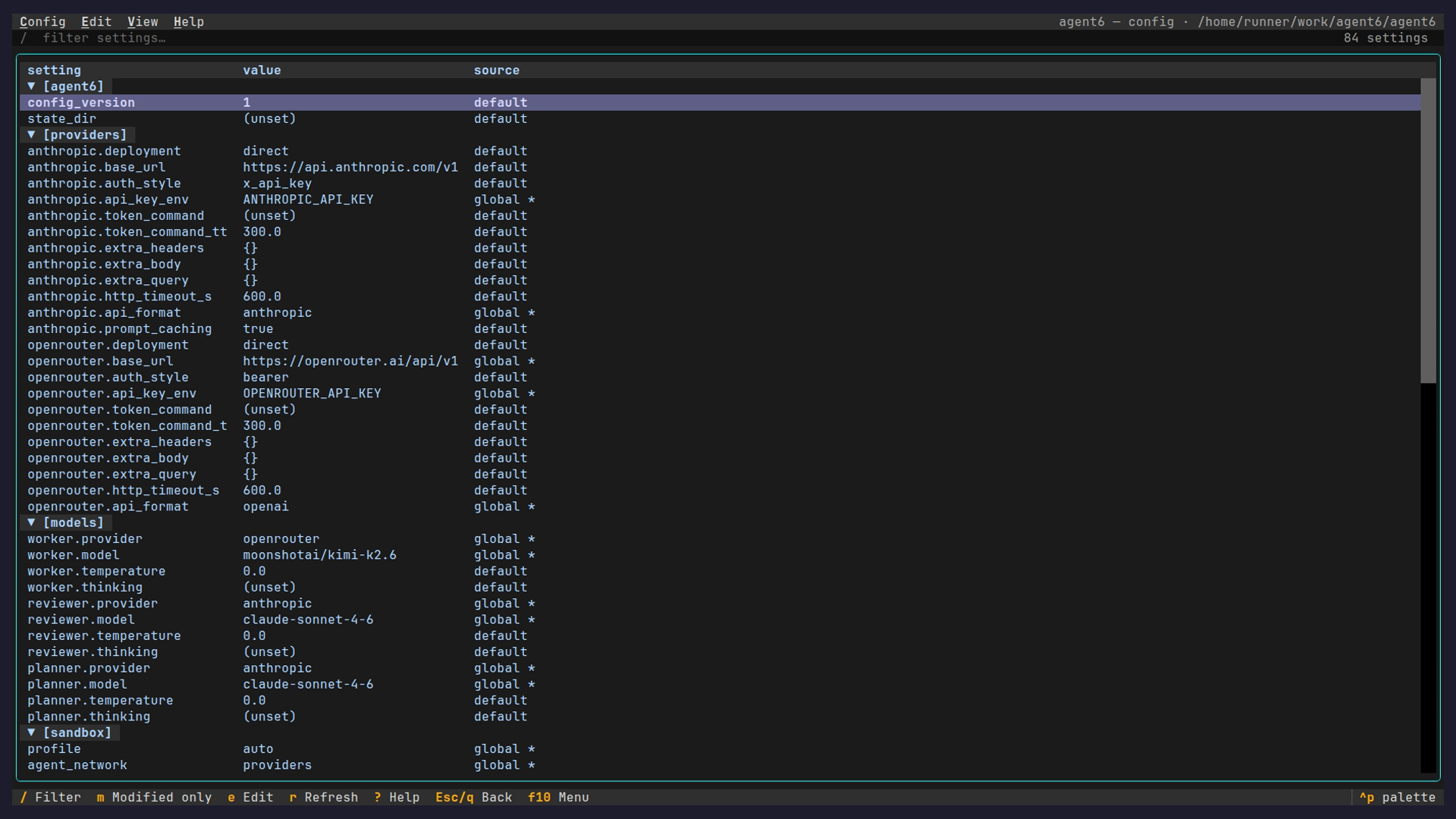
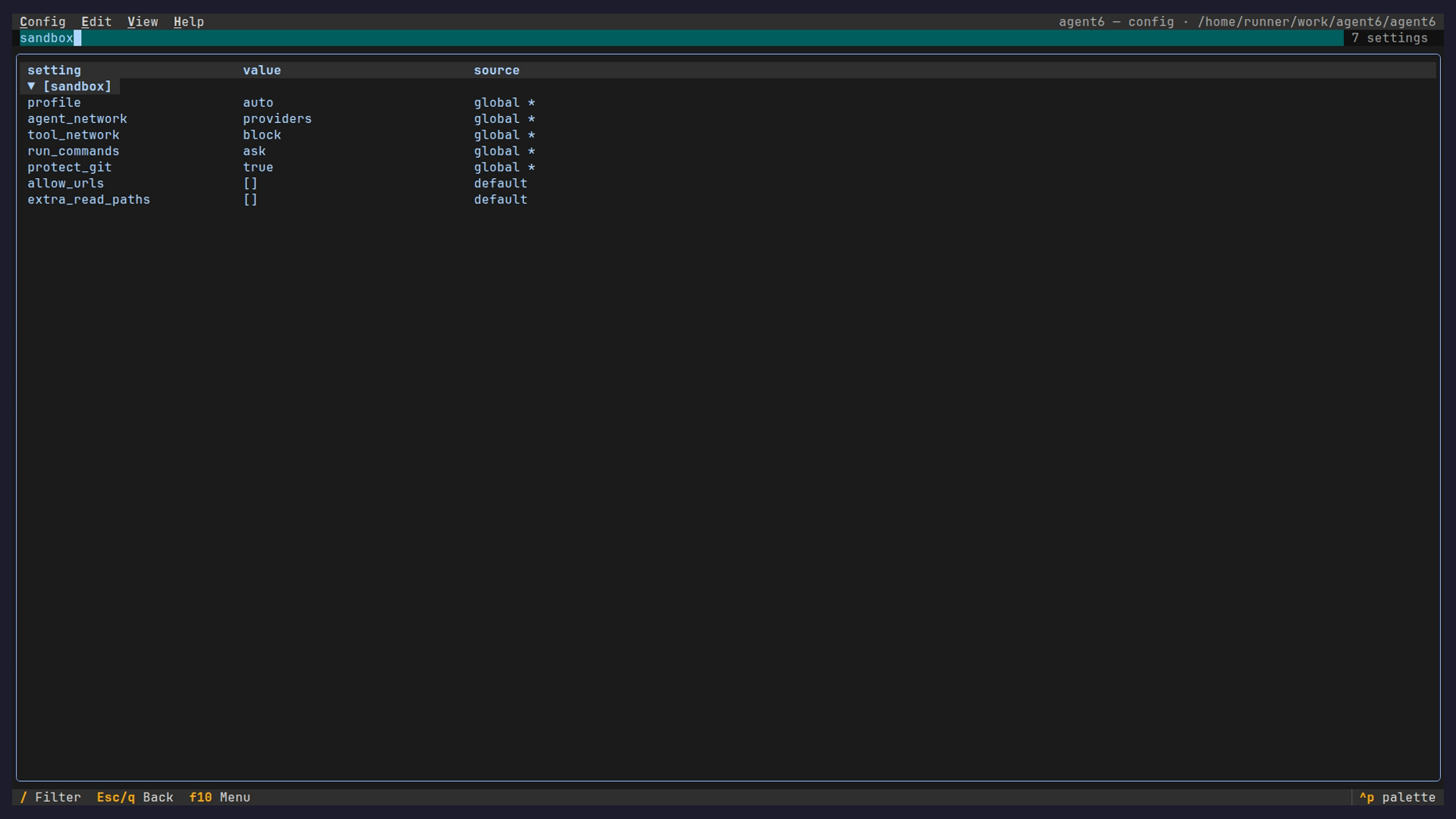
The config page shows every setting, its effective value, and where that value came from
(a built-in default, the global config, or the per-repo config). / filters by name.
Keys
Watching a state machine
Beyond one-shot runs, agent6 runs editable state machines: a .asm.toml of tool, branch,
agent, and wait states driven over a journal. Author one, read its graph, and watch it
execute. Here code-fixer runs a fix-loop: an agent state edits the repo to make a
failing check pass, a tool state re-runs the check, and the machine routes on the
result until it is green or the attempt budget is spent, with the agent's reasoning
streamed live like a run.
The same machine from the browser: start it on the Machines page and watch the current state stream, with the run's approvals and questions answerable in place.
From the terminal
For terminal-first workflows, agent6 run executes in the foreground: steer it with
Ctrl-C, no TUI required (the pause menu Tab-completes its commands; Up recalls and
Ctrl-R searches the session's past messages). Runs started from the TUI or web hub are detached instead, and
agent6 attach attaches to either kind: the run's conversation by default, --raw for
a no-deps line tail, --tui for the full-screen TUI, --json for a one-shot snapshot
of the same state.
These are regenerated from recorded runs by the pages workflow, so they track the current UI.